ADOPT AI BY ARTEFACT – INTERNATIONAL SUMMIT ON JUNE 5th, PARIS.
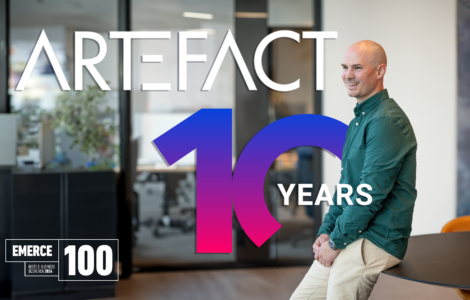
In celebration of its 10-year anniversary, Artefact is organizing an international summit, Adopt AI, to promote the democratization of data and AI to positively impact people and organizations.
A unique full-day event at Station F – Paris that will bring together high-level AI ecosystem stakeholders, including business leaders of key corporations, technology partners in GenAI, eminent professors of universities and PhD students from our Artefact Research Center, to disseminate inspiration and actionable insights about data and AI.

DATA, AI AND DIGITAL SERVICES
We offer data-driven solutions designed to meet clients’ specific business needs.



OUR CLIENTS
We translate client challenges into tangible results through the entire value chain of enterprises.


























THE BRIDGE
The bridge between data & AI,
economy, society and the environment.
Videos – Podcasts – Articles
OUR PARTNERS
Artefact teams up with the biggest technology & media partners.
Cloud Partners
We are tech-agnostic


Media Partners
We are certified with